Software for growing removal firms
Monday morning, and a customer rings to ask whether the piano is on the job sheet. Nobody’s sure. The quote is in someone’s email, the diary is on the whiteboard and the extra was agreed on WhatsApp.
That works when there are two of you. Once a removal company has a few vans, an office and more than one crew, the same details get typed in three times and something slips.
Bas gives growing removal firms one job record that everyone works from.
The more people touch a job, the more it pays to keep it in one place.
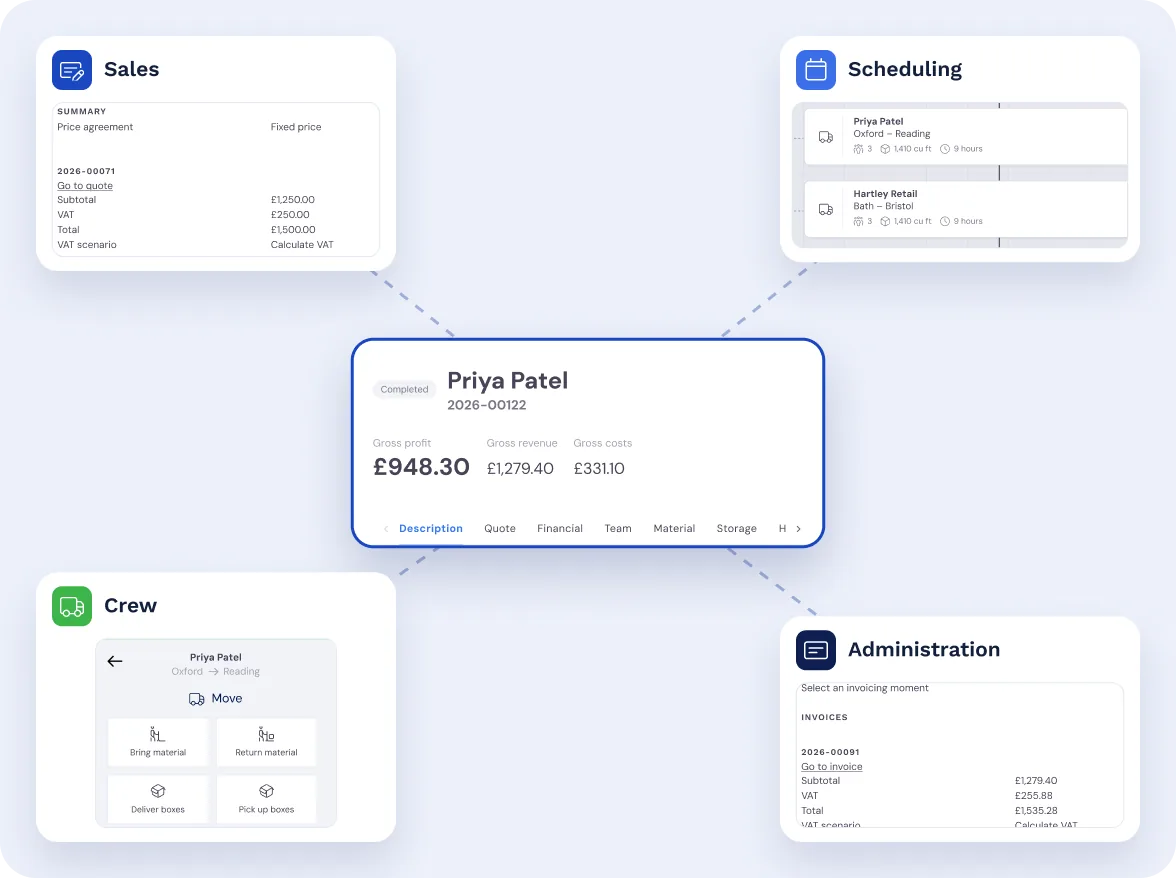
Off the whiteboard and out of WhatsApp
Emails, WhatsApp, paper job sheets, a diary in Excel, notes on the back of an envelope: each one holds a piece of the job. In Bas, the quote, the diary, the crew’s job and the invoice all hang off the same job record.
One system instead of five, and nobody asking where the latest version is.
Coming from another system? This is how switching to Bas works.
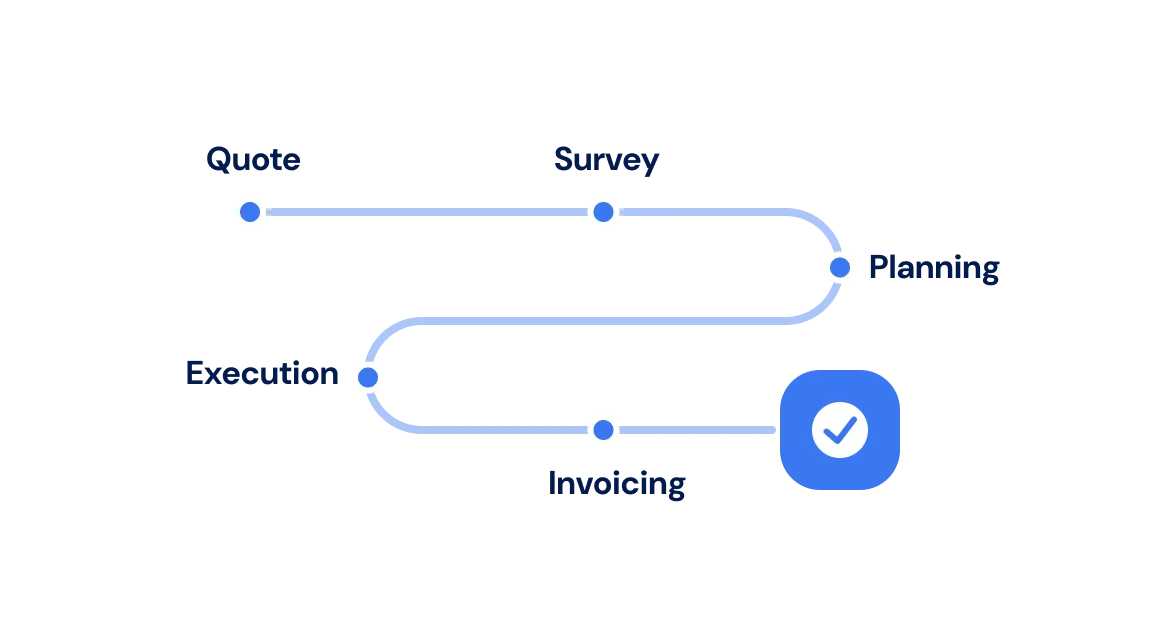
Every job goes through the same steps
Bas takes every move through the same steps, from the survey and the quote to the diary, moving day and the invoice. Each step tells the next person what to do.
So a job doesn’t sit half-finished because the one person who knew about it is on holiday.
From sales to invoicing, nobody has to remember where a job got to.
One job, followed through
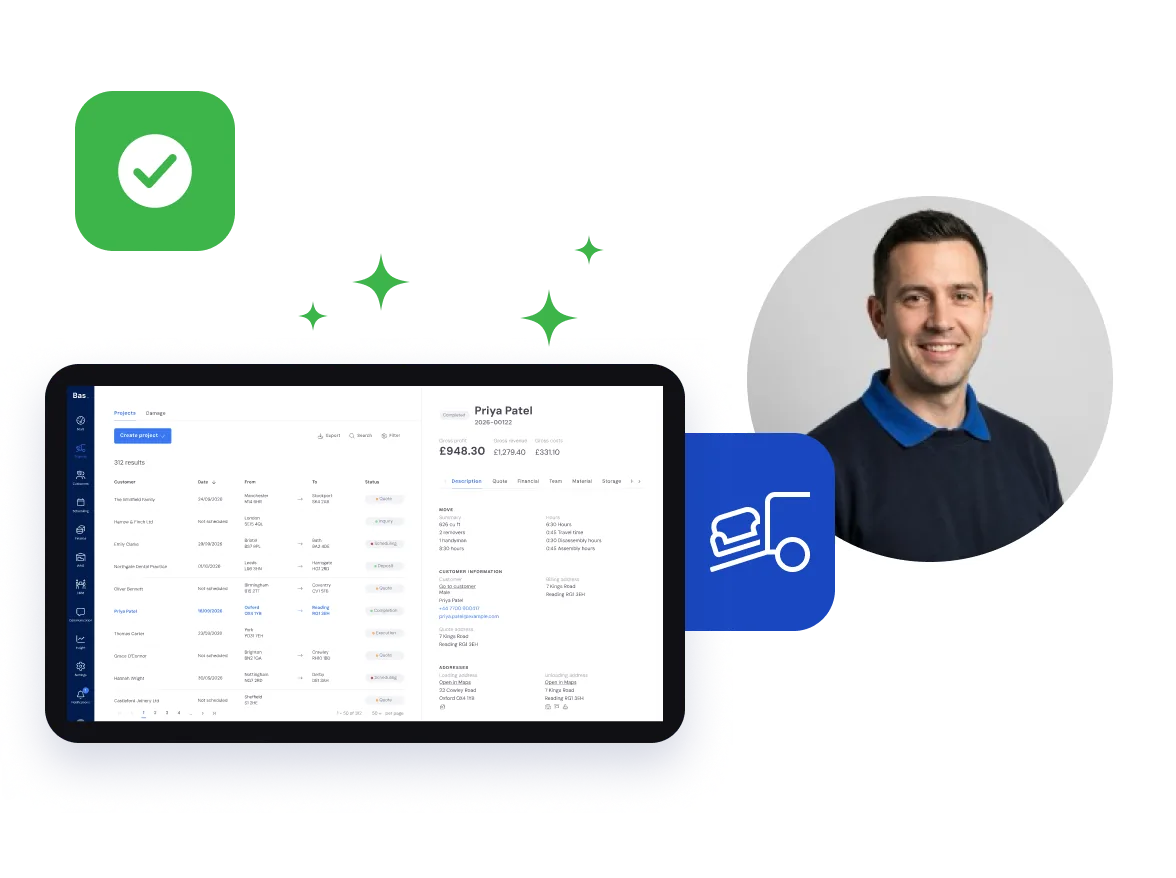
An enquiry comes in and Bas opens a job record. The survey fills it: the rooms, the volume, the extras.
Once the customer accepts, the planner has it all to hand to put the job in the diary. On the day, the crew see what sales and the planner entered.
Afterwards, the hours from the app go back on the job. For jobs charged by the hour, the office raises the invoice from them.
Nobody types the address in twice, and everyone has the job on a phone or tablet, on site as well.
The steps are laid out
Every step it takes to get a job done is already set out in Bas.
Everyone knows their part
Sales, the planner, the crew and the office each have their own part of the job in Bas.
Tasks and reminders
Each person gets the tasks waiting for them, so nothing depends on someone remembering.
Customer details, quotes, reminders, notes, damage reports and invoices.
All on the job, not in somebody’s inbox.
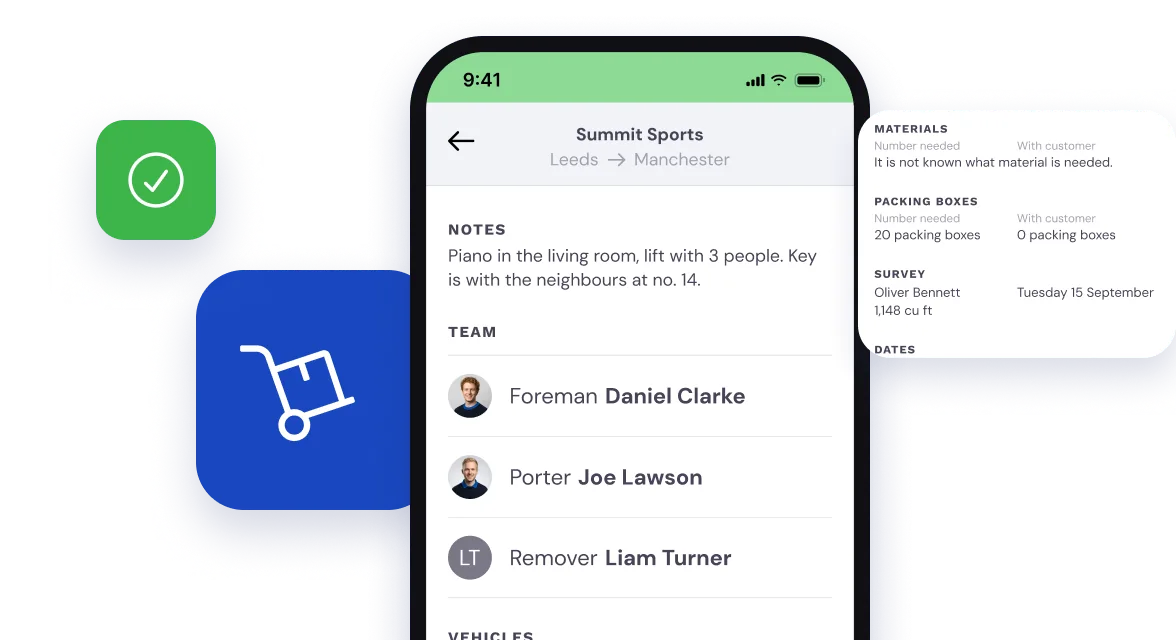
The crew see the notes from the office
Piano in the living room, key with the neighbours: whatever the office knows goes on the job, and the foreman, drivers and porters on it see it in the crew app.
This is how Operations works on the day.
See where the year stands
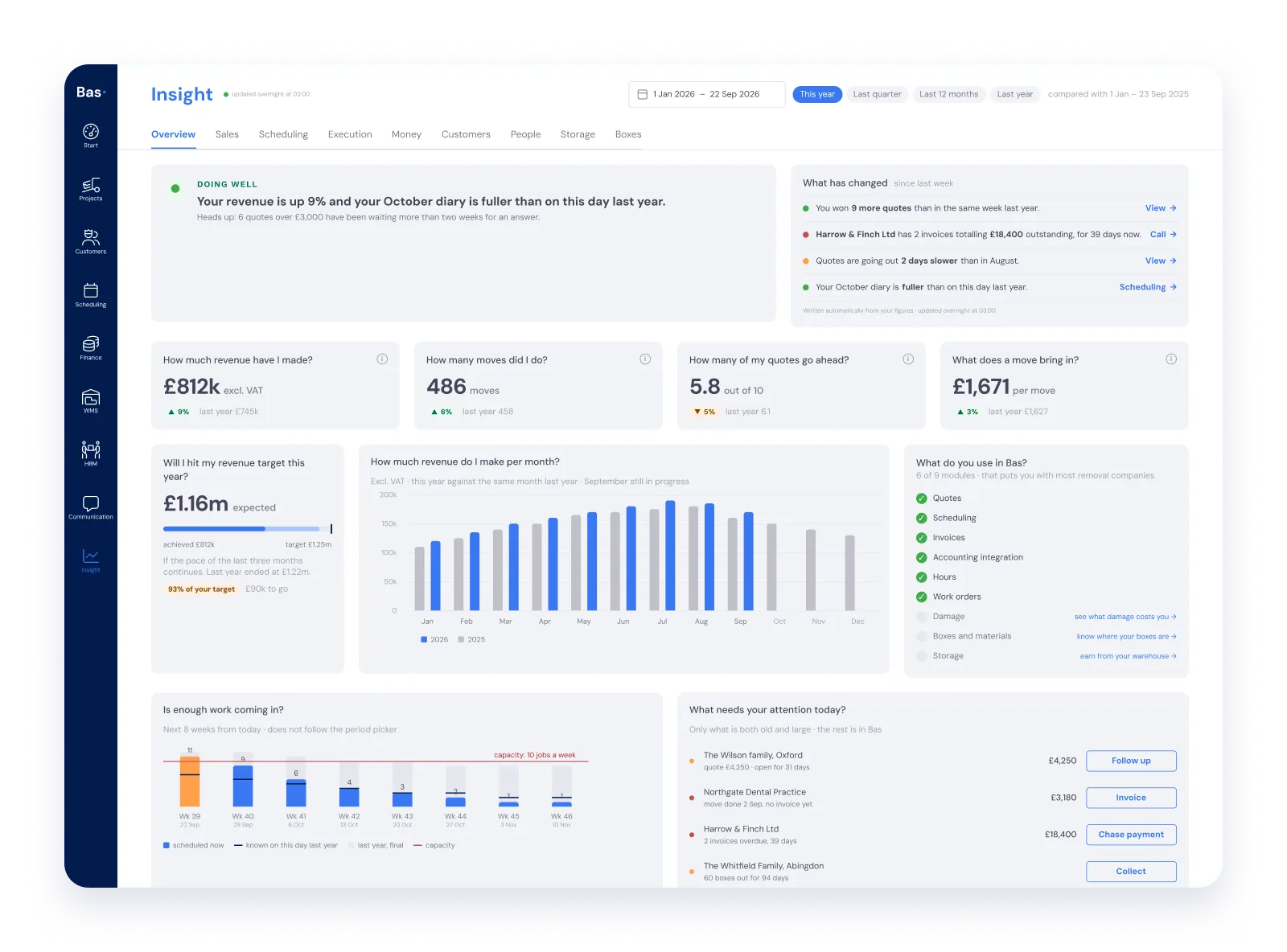
The dashboard puts sales, jobs, money and staff side by side, with this year against last.
You see which quotes are still waiting and who still owes you money before the month is out, not after.
Read more about the dashboards under Insights.