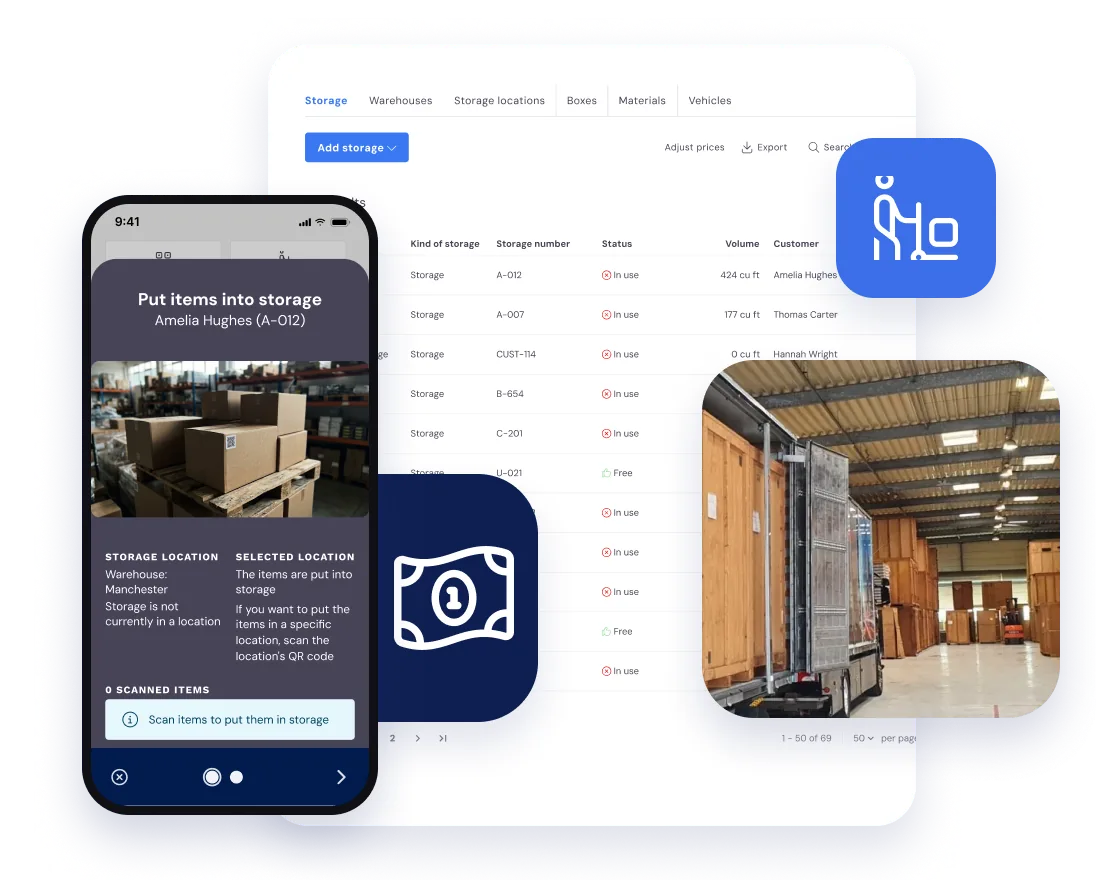
A removals crew app that goes from the yard to the signature
Half seven, and the vans are warming up in the yard. For most removal companies this is where the day starts to wobble: a porter who doesn’t know the second address, a foreman ringing the office for the customer’s number, a job sheet nobody can find.
In Bas, every crew has the day on their phones before they leave. The jobs, the addresses, the materials and the notes from the office all come straight from the diary, and the foreman closes the job with the customer’s signature.
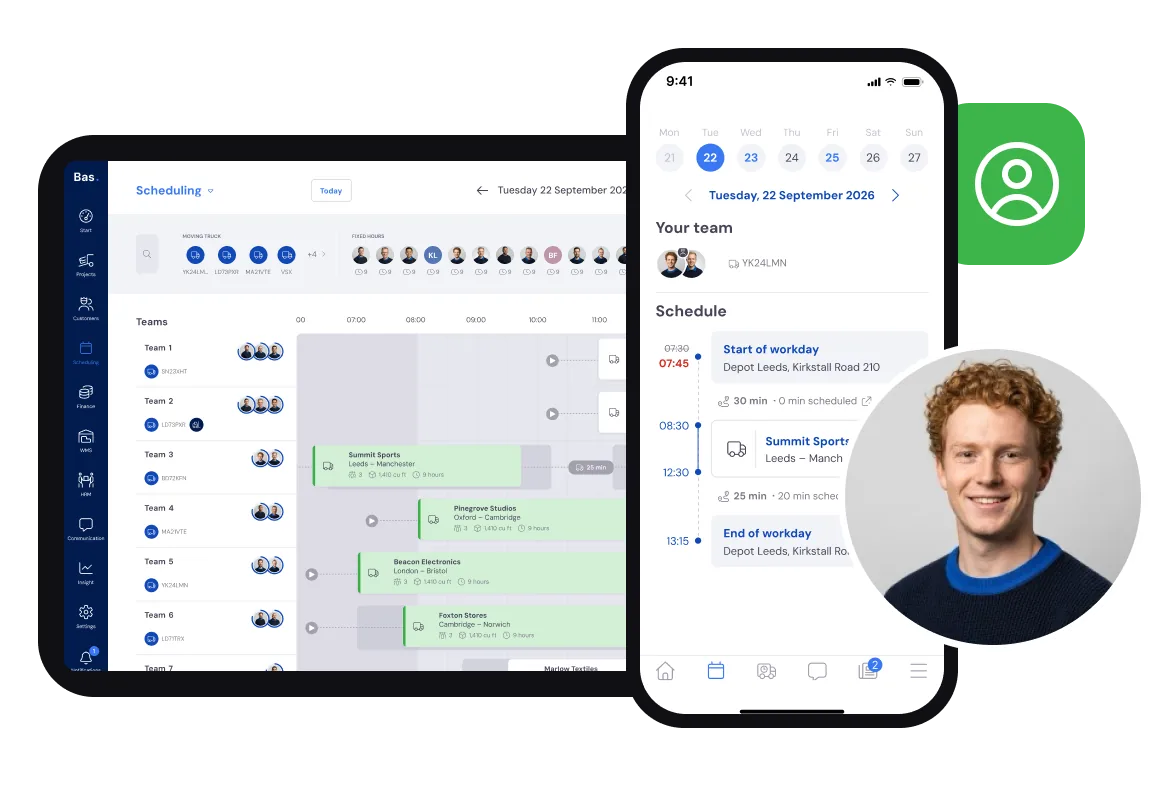
Nobody should have to ring the office to find out where they’re going.
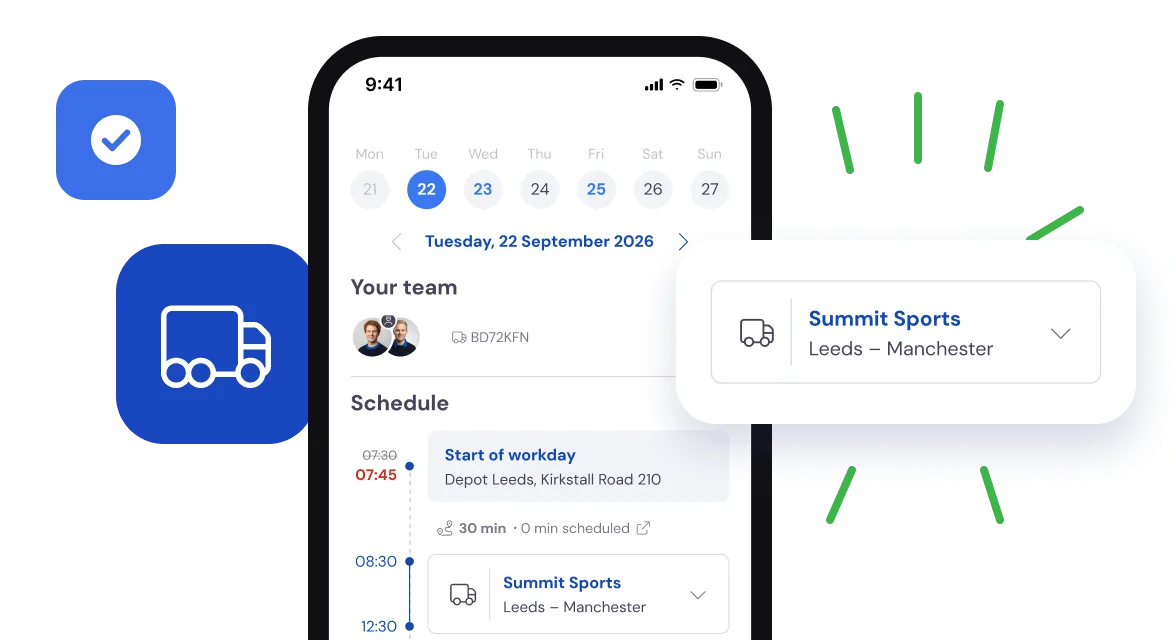
Today’s jobs on their phone before they set off
Follow one crew through the day. When they open the crew app, each of them sees the jobs they’re booked on today, the start time, the van and who they’re working with.
One tap shows the week ahead, so nobody is surprised by Thursday.
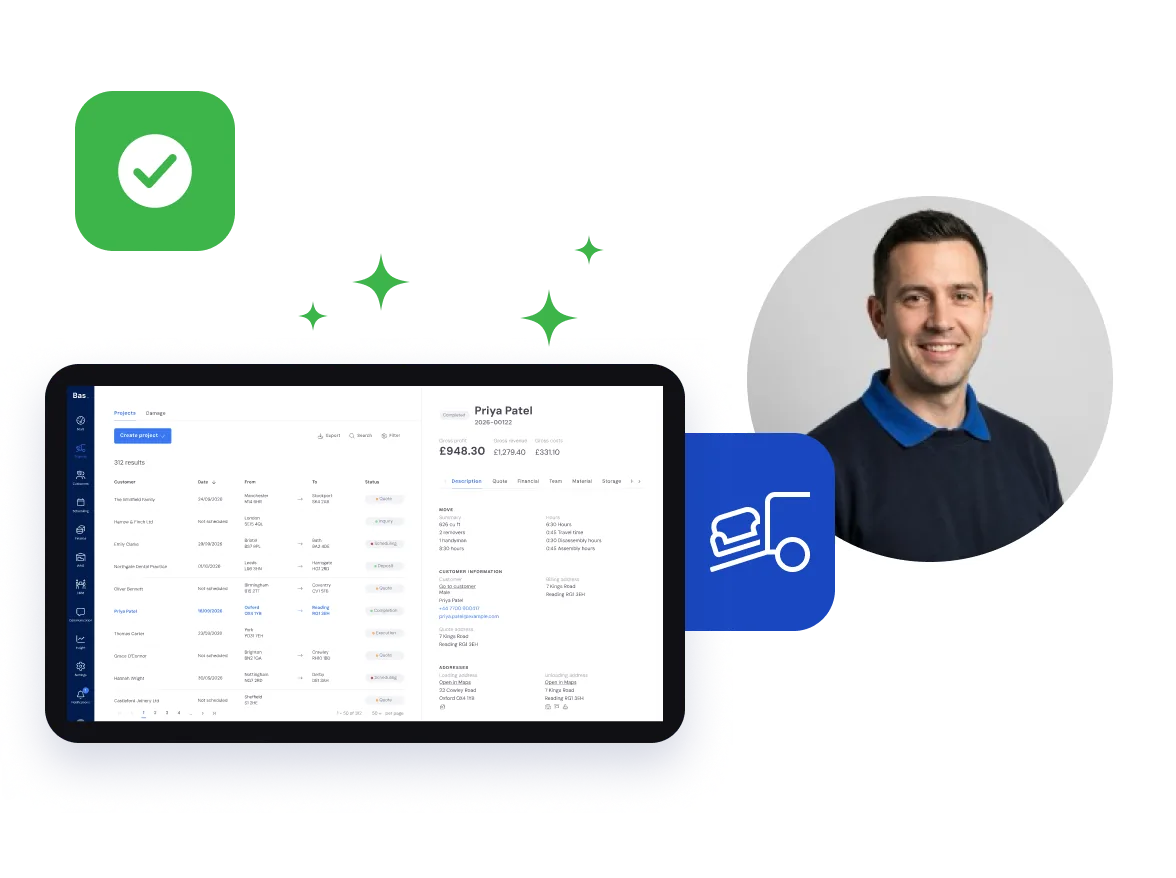
The whole job where the crew can see it
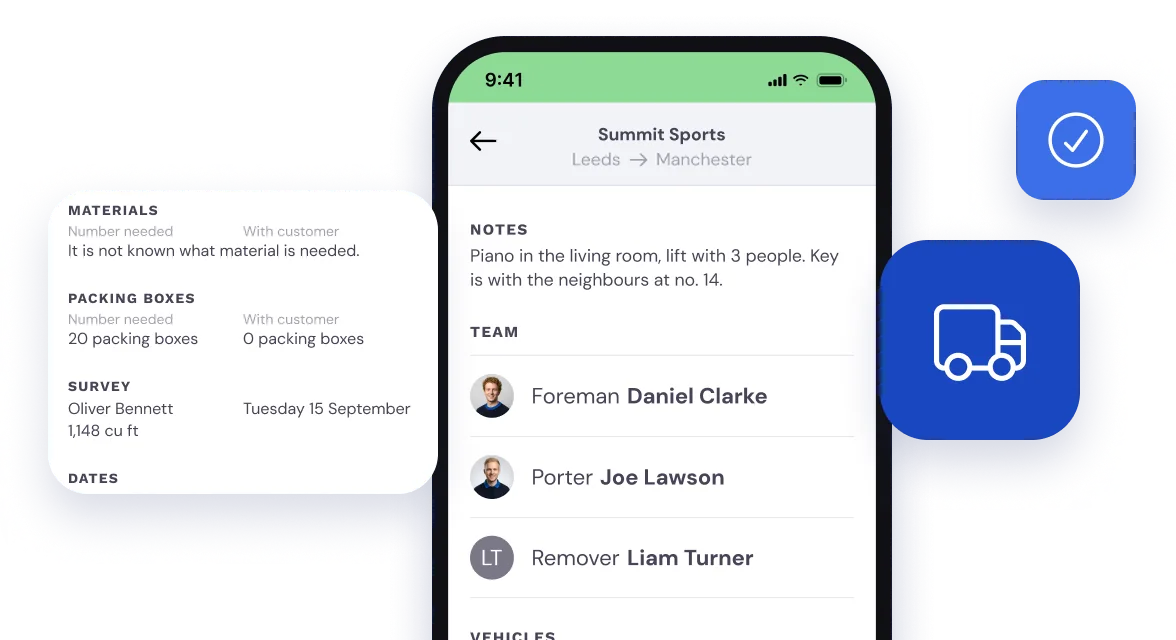
Open the job and it’s all there: the customer, the route, the van, the packing boxes and materials to take, and what the surveyor found. The piano in the living room and the key with the neighbours go in a note from the office.
Anything else the crew need, you upload to the job as a document.
Even at a growing removal firm with several crews out at once, nobody has to read a job out over the phone.
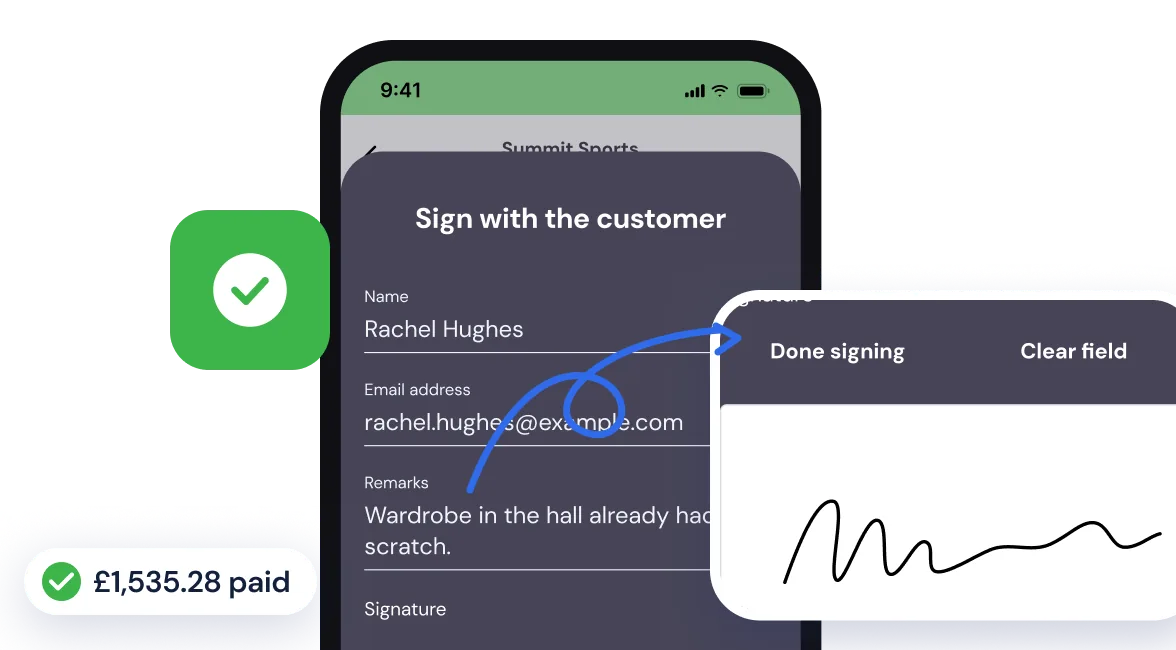
The customer signs the job sheet on the foreman’s phone
When the last box is in, the foreman hands over the phone. The customer adds a remark if they have one, such as a scratch that was already on the wardrobe, and signs on the screen. The signed job sheet goes straight onto the job record in the office.
Balance still to pay? The customer can pay it on the spot, so there’s nothing to chase next week and no separate card machine in the van.
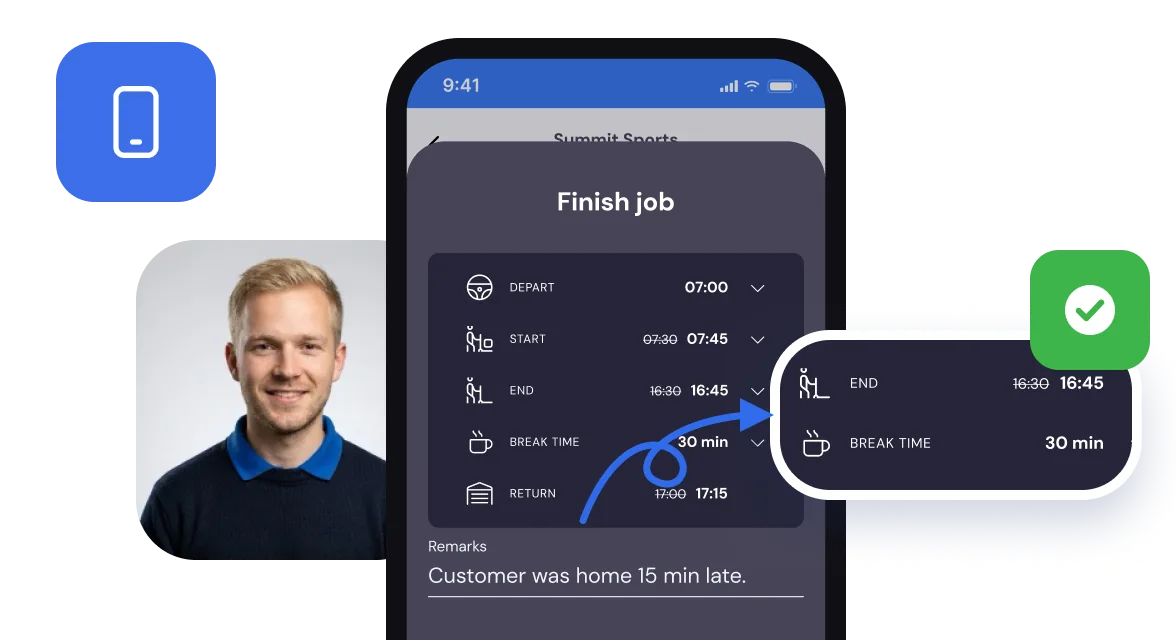
The foreman records the hours as the job closes
Before the job is closed, the app takes the foreman through the times one by one: leaving the yard, start, finish, break and back at the yard. Anything worth knowing goes in the remarks.
That closes the job and updates its status in the office. The hours go straight on to your payroll and to Invoicing, and on a job you charge by the hour they fill the invoice lines for you.
A paper job sheet comes back on Monday, if it comes back at all. By then nobody remembers what time they finished.
The signed job sheet
A carbon copy sits in the cab until someone brings it in. In Bas the signature is on the job record as soon as the customer has signed.
Hours written down on the day
A paper timesheet gets filled in at the end of the week, from memory. The foreman’s times go in when the job closes, and the office can see them.
Expenses against the job
Paid for parking on a job? Staff log it in the app and say which job it was for, so it doesn’t turn up as a crumpled receipt weeks later.
When the keys don’t come until after lunch
The van has been loaded since eleven and the solicitor still hasn’t released the keys. The crew wait, and the day runs late.
Bas can’t hurry the solicitor. What it does is keep the record straight: the foreman puts the real start and finish times in the app with a remark, and the office turns the wait into an adjusted appointment on the job, ready to charge.
If you know before the crew set off, move the start time in the diary instead.
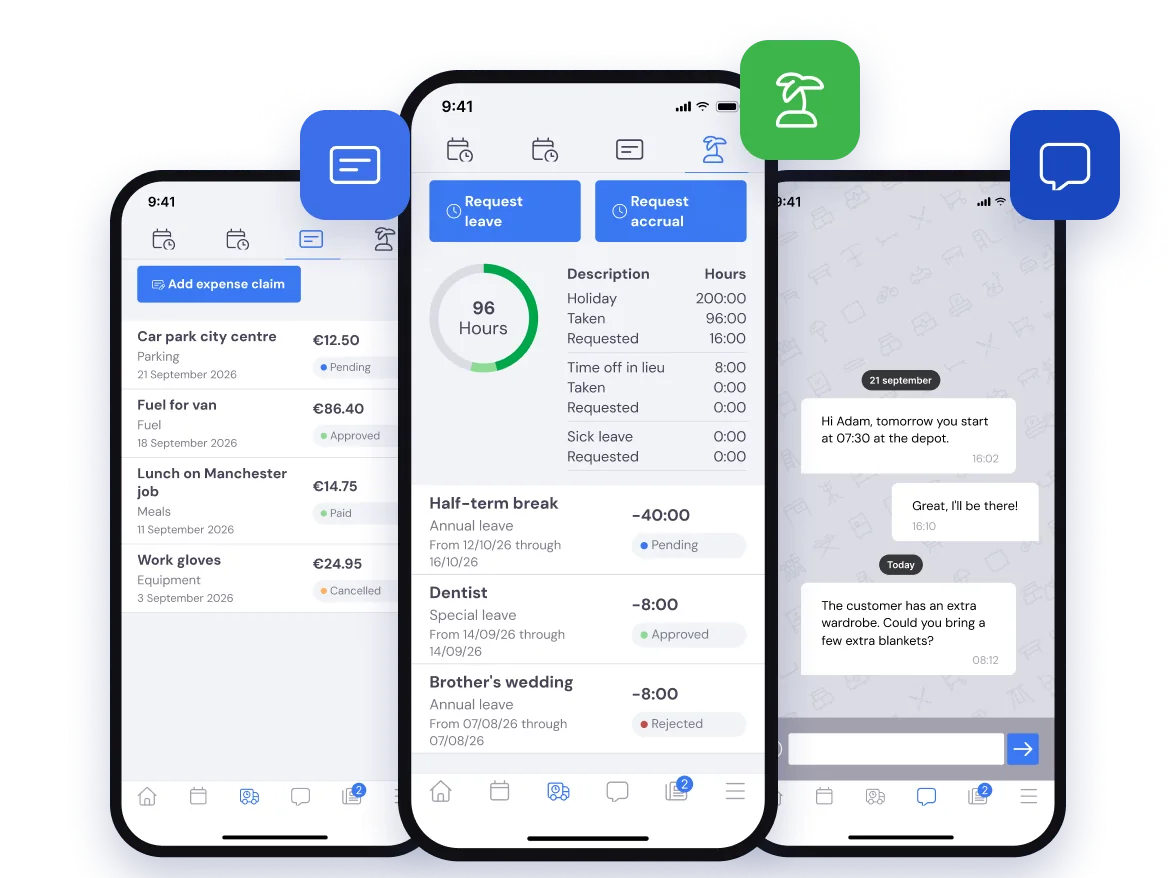
Holiday, expenses and messages in the same app
The crew app isn’t only for moving day. Staff use it to:
- See how much holiday they have left and ask for time off
- Put in expense claims
- Message the office
- Record their hours
The office deals with all of it in HR. Once holiday is approved, it shows in the diary.
Questions about the crew app
What removal companies ask us most, with a short answer to each.
Their own jobs for the day, with the start time, the van, who they’re working with, the addresses, the materials to take and any notes or documents from the office. One tap shows the week ahead. Nothing has to be printed or read out over the phone.
Yes. When the job is done, the foreman hands over the phone and the customer signs on the screen, with a remark if they have one. The signed job sheet goes on the job record straight away, so there’s no carbon copy to bring back to the office.
Yes. The customer can pay on the spot through the Mollie integration, so you settle up without a separate card machine and without chasing the balance afterwards.
In the crew app. When the job closes, the app takes the foreman through the times: leaving the yard, start, finish, break and back at the yard. The hours go to the office automatically, so there are no paper timesheets to collect. On a job you charge by the hour, they fill the invoice lines. Hours at a higher rate you add to the invoice as a separate line yourself. Read more in Time tracking, overtime and allowances: how to handle it in just a few clicks.
Yes. Staff see how much holiday they have left and ask for time off in the crew app, put in expense claims against a job and message the office. The office deals with it all in HR, and approved holiday shows in the diary.
Part of the load going into store?
If some of the goods go into storage, warehouse staff book them in with a scan, and from then on the storage invoice is ready every period.