Invoicing software for removal companies
The last day of the month. The jobs are done, the crews have been paid, and there’s still a pile of invoices to raise before anyone sees a penny. For a lot of removal companies, that’s an evening with Word, a calculator and the bank statement.
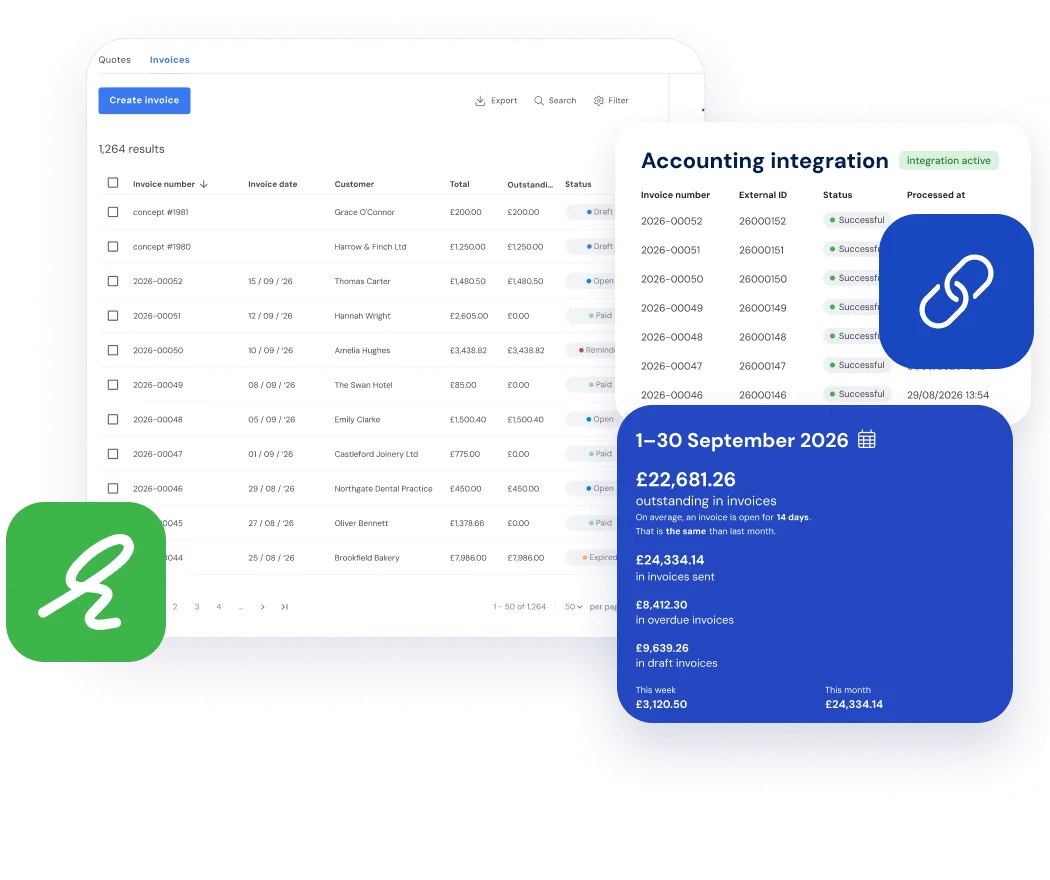
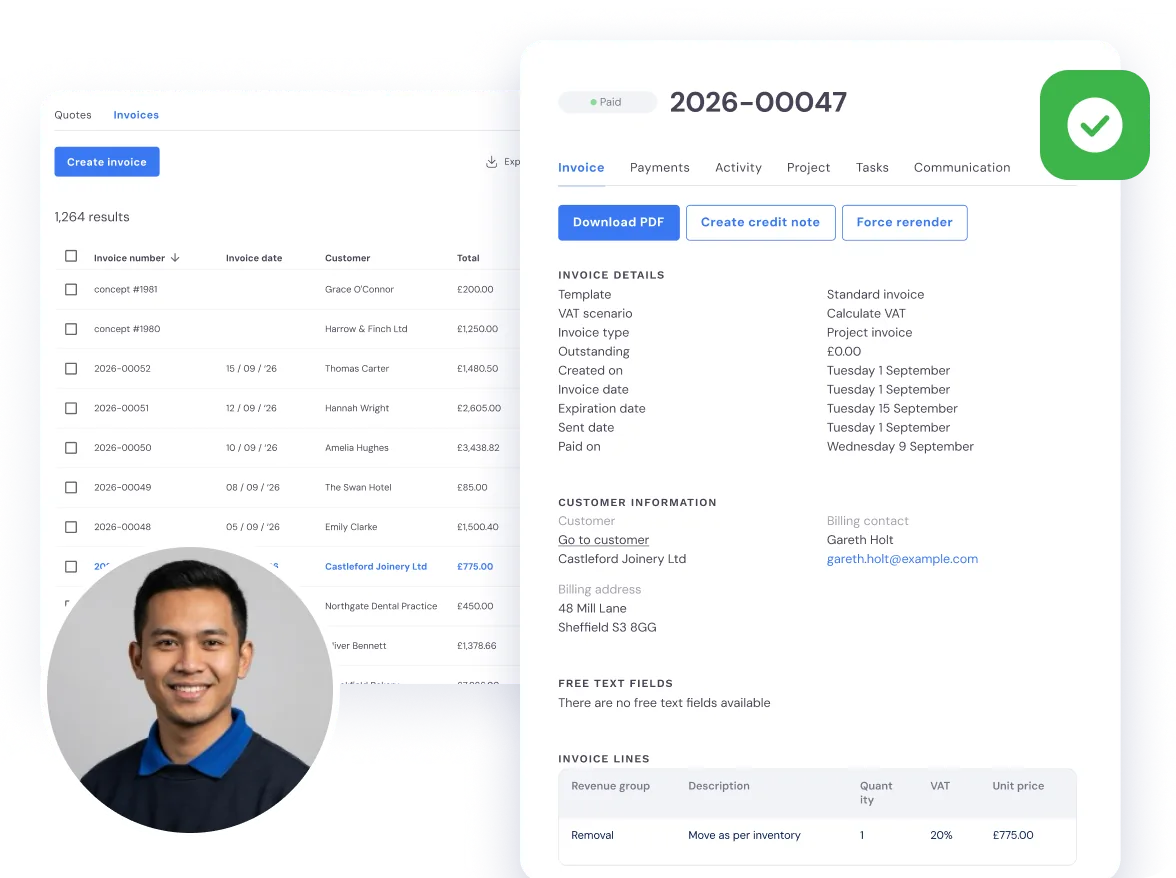
In Bas, the invoices are already waiting as drafts: one for every job and every storage period. You check them and send them. Your accounts link passes them on to your accounts package.
A move isn’t finished until it’s paid for.
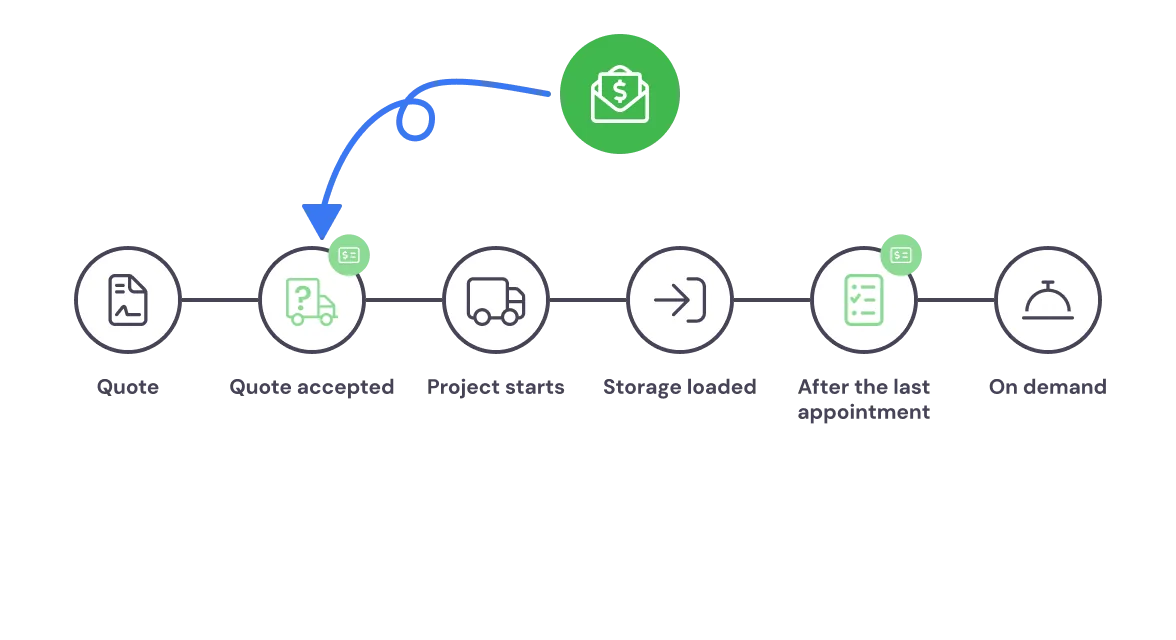
A deposit when the quote is accepted
Follow one job. The customer accepts the quote on a Monday evening. If you take a deposit, the deposit invoice is raised there and then, without anyone in the office lifting a finger.
You decide once, on each service package, which moments raise an invoice: the quote accepted, the job starting, goods going into storage or the last appointment done. The final invoice can wait until the crew have finished.
Nothing goes out until you’ve checked it
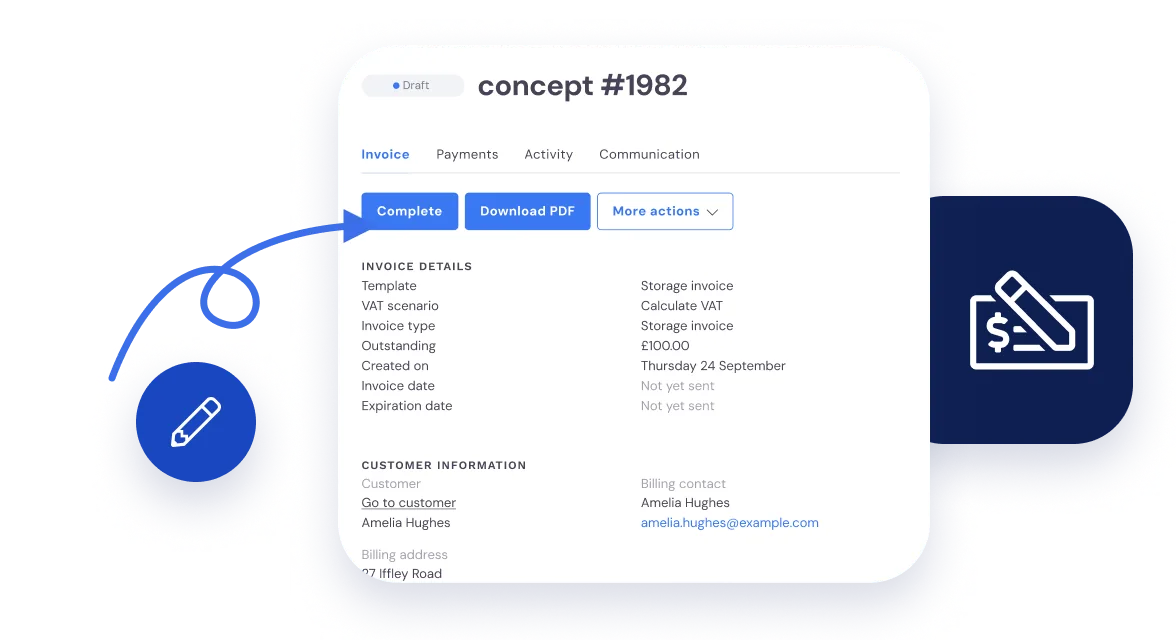
Every invoice starts as a draft. You read it through, change a line if you need to and press Complete. Only then does it go to the customer.
Storage works the same way. You agree the price and the period once, per day, week, month, quarter or year, in advance or in arrears, and every period a draft is ready for you. A customer who moves out halfway through a month pays for the part they used. More on that under Storage.
When the job runs longer than you quoted
On a job priced by the hour, the invoice lines are filled from the hours the crew logged in the app. Nobody has to copy them off a timesheet. Extra work on the day, a parking charge or a one-off cost goes on as a line of its own.
Did the crew stand waiting for the keys? Record the waiting time on the job as an adjusted appointment, and it’s there to charge.
One thing Bas doesn’t do for you: charging the customer for hours at a higher rate, such as weekend or overtime hours. You work those out and add them to the customer’s invoice as a separate line.
Nobody starts a removal firm to spend Friday afternoons chasing invoices.
Your own payment terms
Set one payment term for everyone, and a different one for the commercial customer who always needs longer.
Reminders sent for you
If an invoice isn’t paid within the term, Bas can send the reminder. You don’t have to remember who’s late.
Paid means paid
With a link to your accounts package, an invoice the customer has paid shows as paid in Bas as well. See Integrations.
When the customer says the invoice never arrived
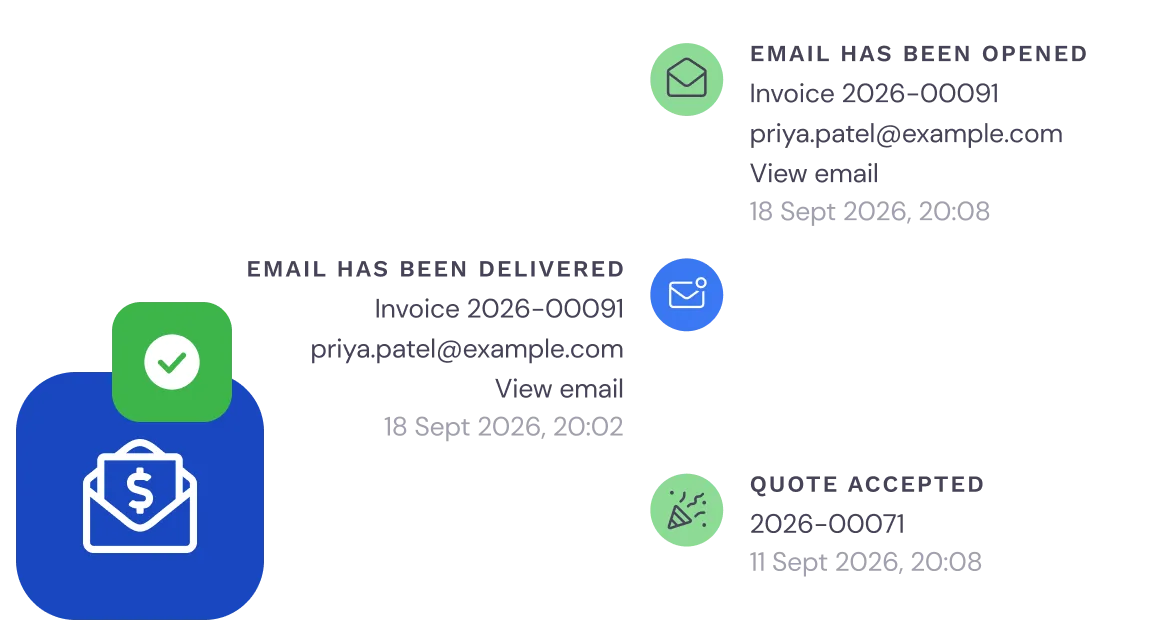
Every invoice has its own history. You see when the email was delivered, when it was opened and whether the money is in.
So when you ring about an unpaid invoice, you already know where you stand. If it needs a nudge, send a reminder straight from the invoice list.
Questions about invoicing
What removal companies ask us most, with a short answer to each.
Bas drafts the invoice for you. It’s built from the agreed price plus any extra work or services recorded on the job. You check the draft, change a line if you need to and send it. Nothing goes to the customer until you’ve looked at it.
Yes. On each service package you choose the moments that raise an invoice, such as a deposit when the quote is accepted and the final invoice after the last appointment. You set the deposit as a percentage or an amount, and whatever has been paid as a deposit comes off the final invoice.
Yes. On a job priced by the hour, the invoice lines are filled from the hours the crew logged in the app. On a fixed-price job you add a line for the extra work. Waiting time can be recorded on the job as an adjusted appointment, so you can charge for it. Hours at a higher rate, such as weekend hours, you work out yourself and add as a separate line.
Yes. Invoices are in pounds with VAT shown. A removal invoice is built from the accepted quote and the work booked on the job. Storage is invoiced per period: per day, week, month, quarter or year, in advance or in arrears.
Xero, QuickBooks, Sage, FreeAgent, FreshBooks and Zoho Books. Invoices you raise in Bas go across to your accounts, and a paid invoice shows as paid in Bas too. Nothing is copied over by hand.
Not by hand. If an invoice isn’t paid within the payment term, Bas can send the reminder for you. The invoice list shows what’s still outstanding, and each invoice shows whether the email was delivered and opened.
See how the month really went
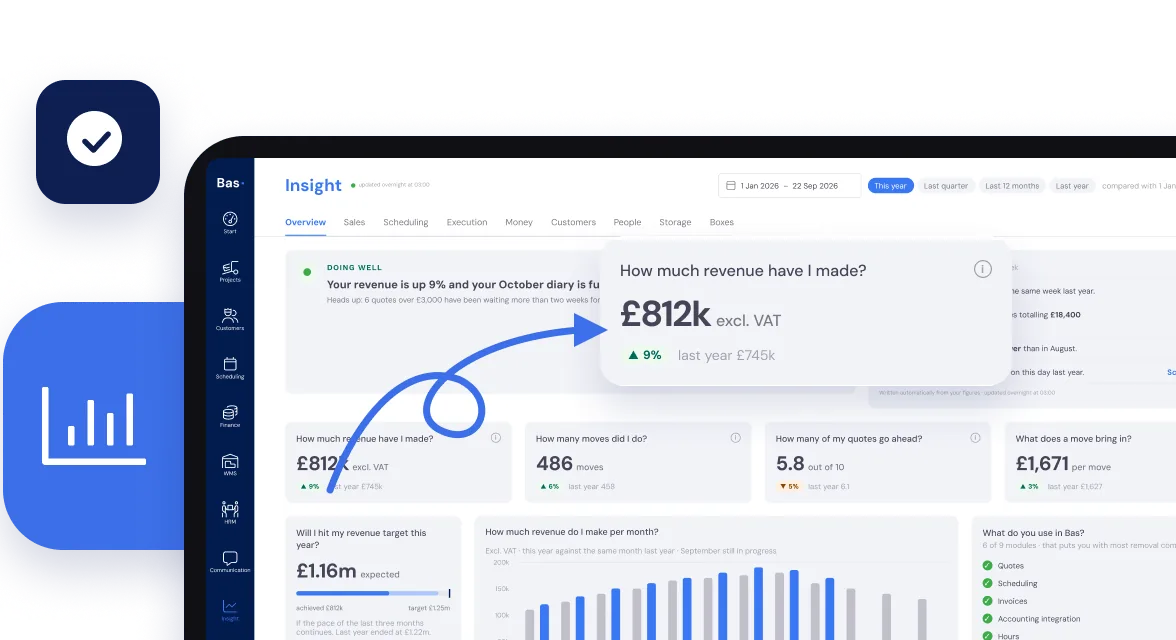
Revenue, moves, quotes won and who still owes you money. The figures come from the work already in Bas, including the invoices you’ve just sent, so nobody has to build a spreadsheet first.