Software for larger removal companies
Several crews out every day, and an office split between sales, planning and accounts. The job that goes wrong is rarely the difficult one. It’s the one that fell between two desks: the survey nobody booked, the invoice nobody raised.
Bas gives larger removal companies one way of working, set up around how you already run things, so every job has an owner at every step.
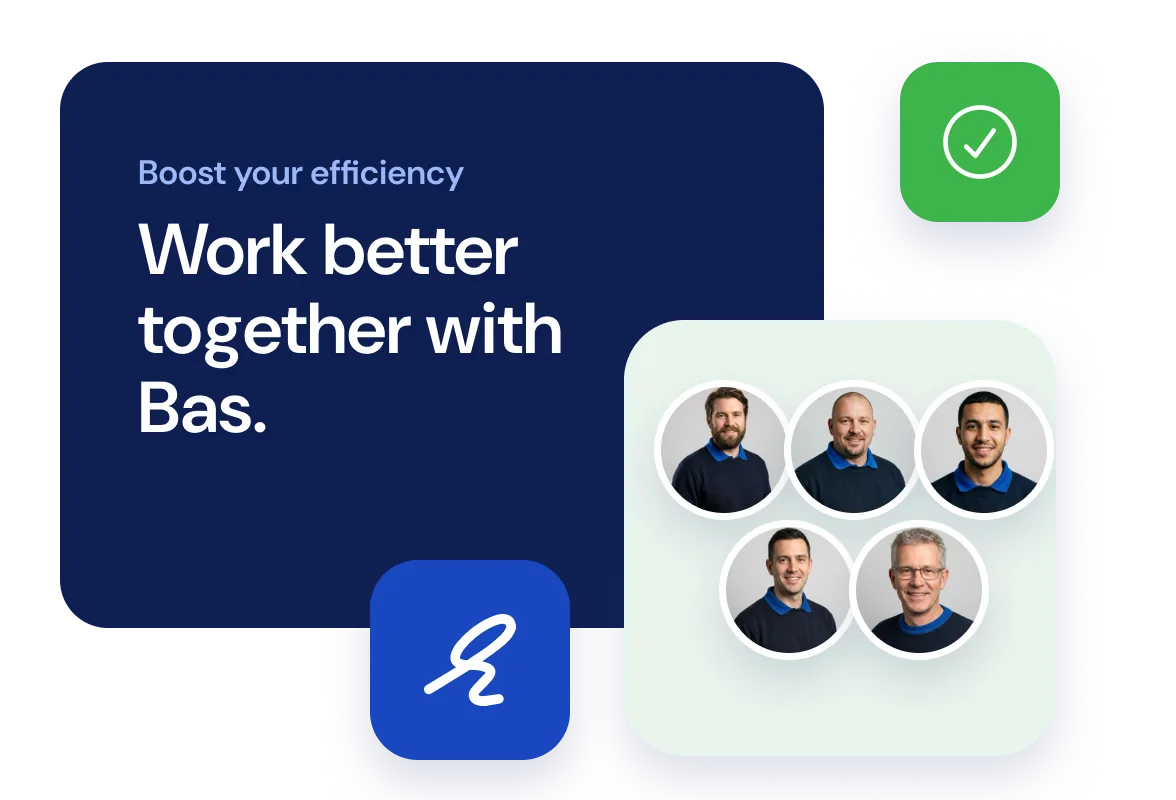
Sales, planners, crews and accounts, all working from the same job.
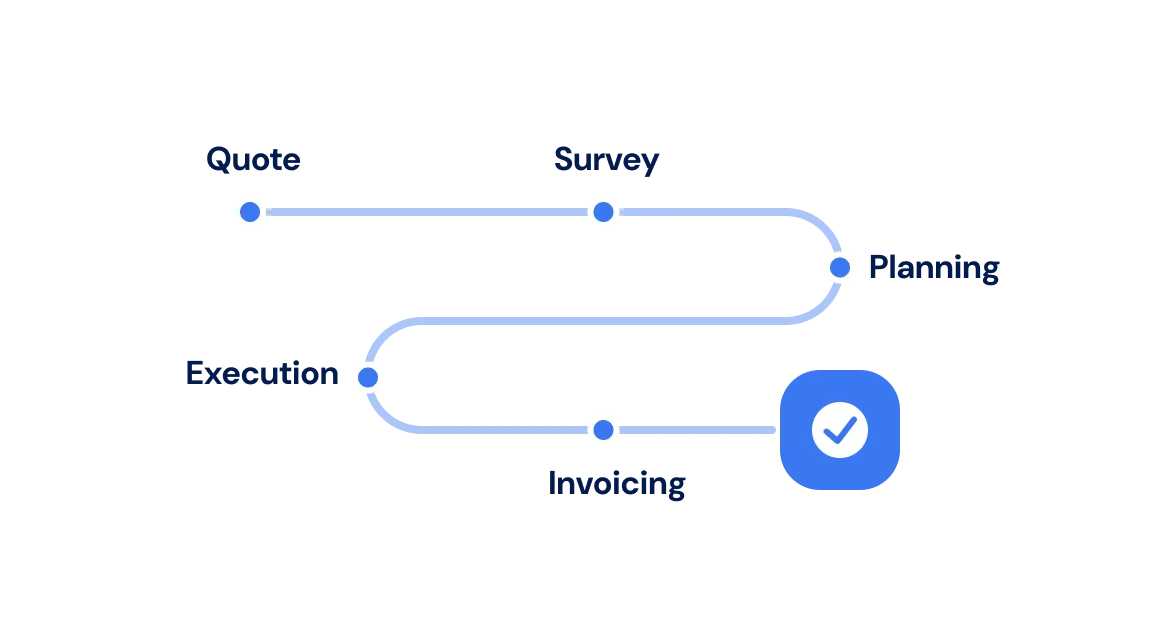
Set up around the way you already work
We set Bas up around your workflows, for domestic and commercial customers alike: which jobs need a survey, when the invoice goes out, what your payment terms are.
Those steps then keep the work moving. Everyone knows what’s expected of them, and you can see where every job stands.
We move your existing data across for you. This is how switching works.
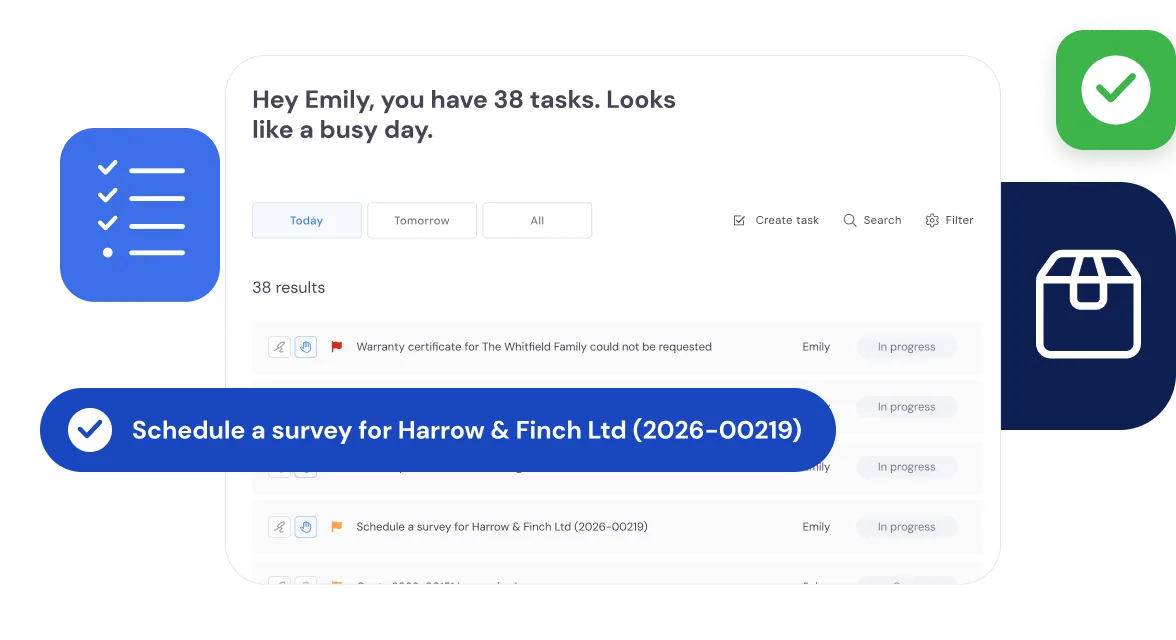
Tasks shared out across the office
Split the office into teams: a sales team, a planning team and an invoicing team, or however you divide it. Each team owns its own steps of the job.
Everyone opens Bas to a list of what’s waiting for them, based on where each move has got to and which team they’re in.
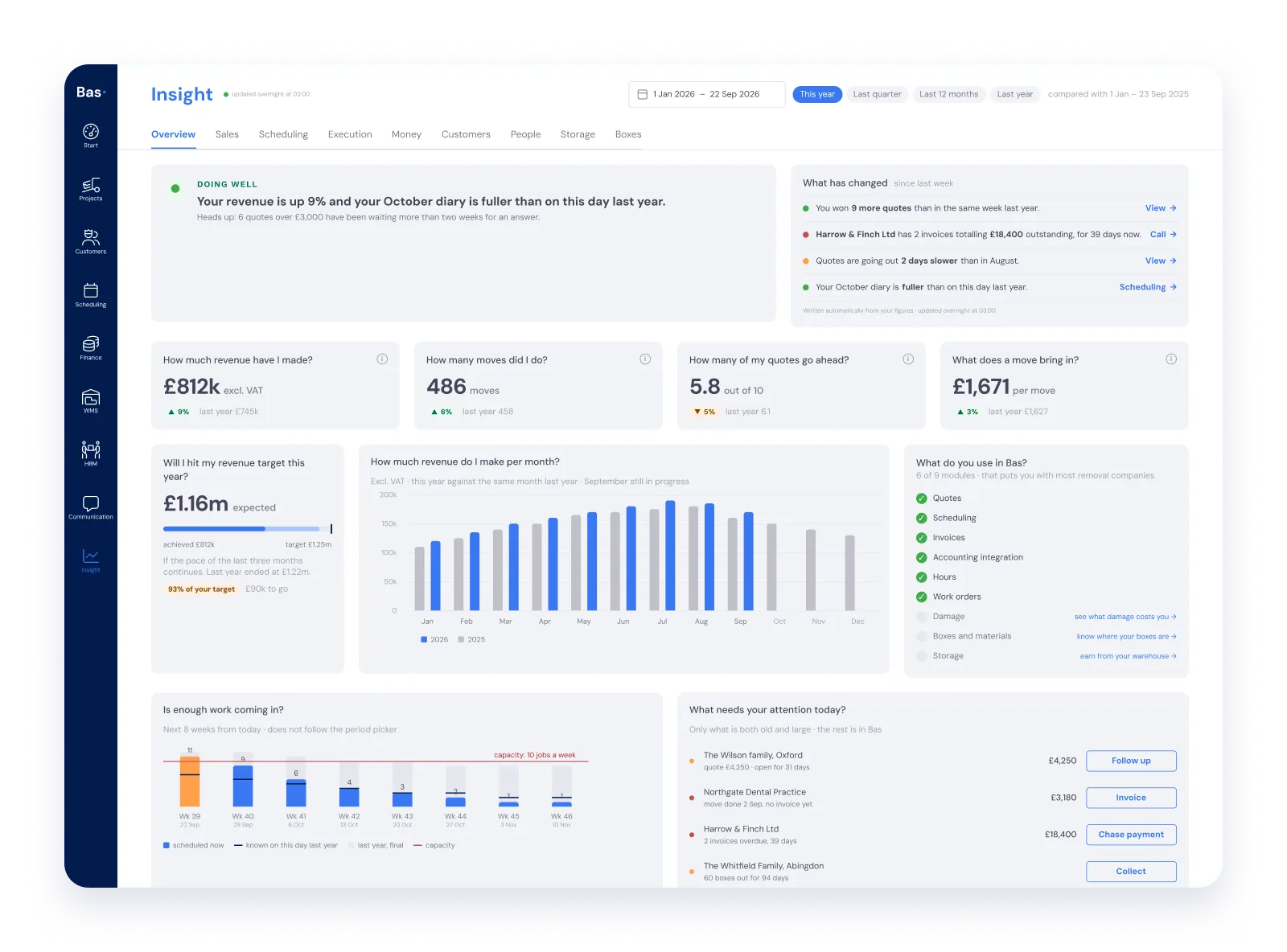
The whole business on one dashboard
The dashboard shows in real time where you stand on:
- money
- sales and customers
- HR
- jobs
- storage
So you spot fewer quotes going ahead, or invoices going unpaid, while there’s still time to do something about it.
Read more about the dashboards under Insights.
A task for every next step
Every action leaves a task for the next person, so staff always know what comes next.
Automatic where it can be
Bas does the routine work itself, such as sending reminders for overdue invoices.
Linked to your other systems
Connect Bas to your accounts package and payroll software, and to Mollie for online payments.
Once the office has done its part, the crews take over.
Bas keeps moving day in order too.
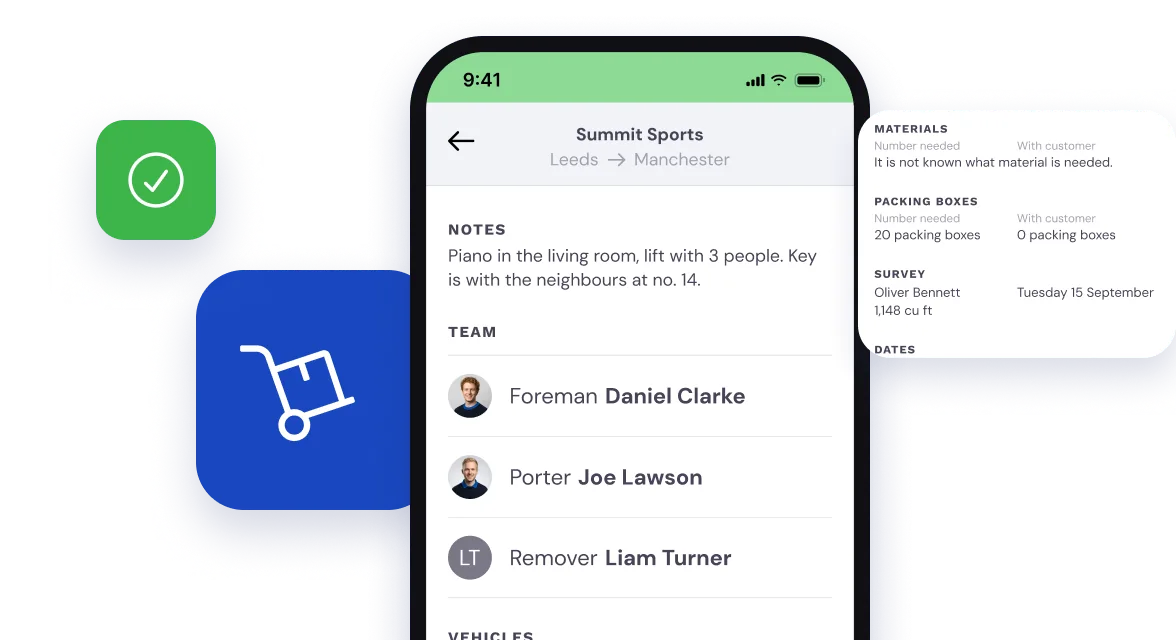
Every crew has the full job
The foremen, drivers and porters on each move see the details of the jobs they’re on: the notes from the office, who else is on the crew and what goes on the van.
The crew app takes care of that.
And the hours back in the office
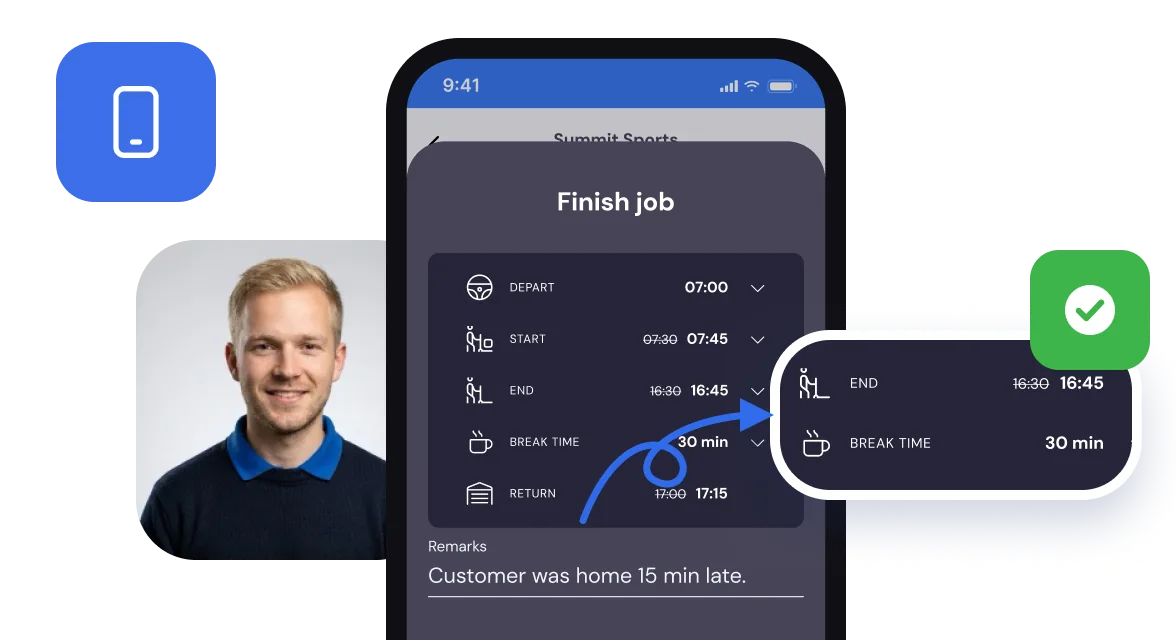
At the end of the job, the foreman records the start, end and break times in a few taps, with a note if the customer kept the crew waiting.
For jobs charged by the hour, those hours fill the invoice, ready for the office to check.
Read more about timesheets and invoicing.