
Default vehicle availability
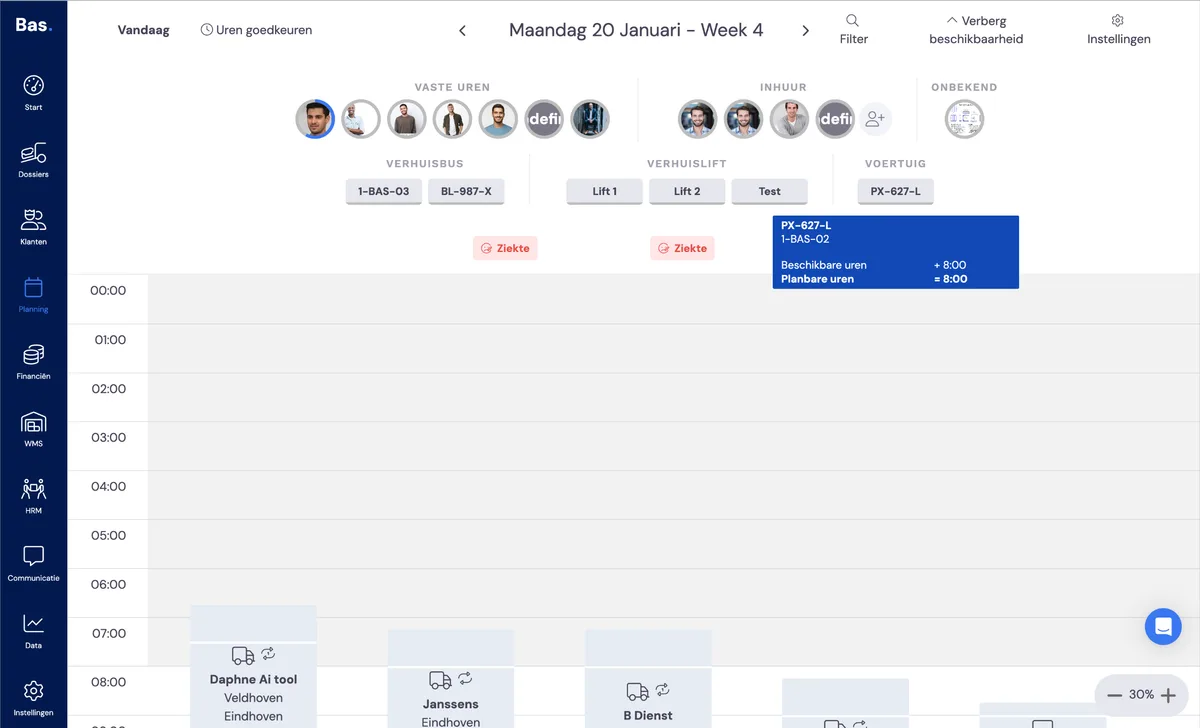
By default, a vehicle is available every working day. You will find the available vehicles in the planning. If you move the cursor over the vehicle, you will see its availability.
Making a vehicle unavailable
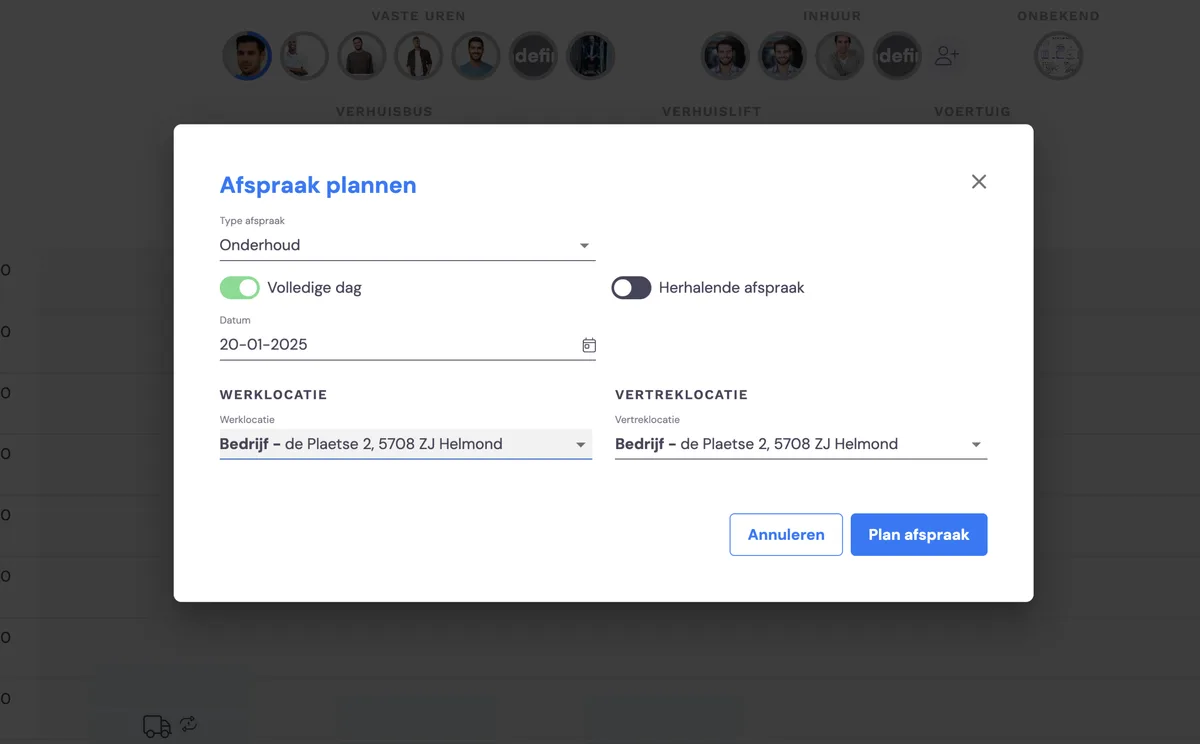
If you want to make a vehicle unavailable, for example due to maintenance, double-click on the vehicle in the planning. In the form that appears, you choose the type of appointment, whether this appointment lasts all day and where the appointment takes place.
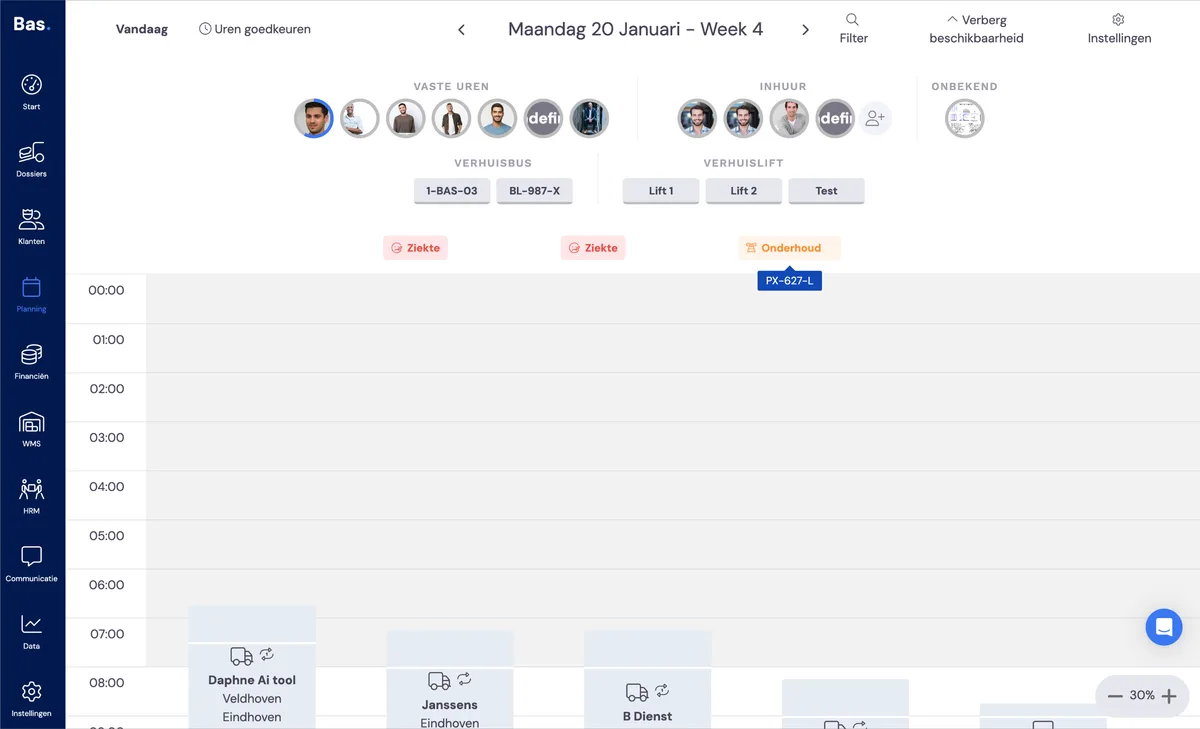
After saving the form, the vehicle can no longer be found among the available vehicles and an item for the appointment is shown for the vehicle.
Related articles
Availability of permanent staff