
What is a fixed team?
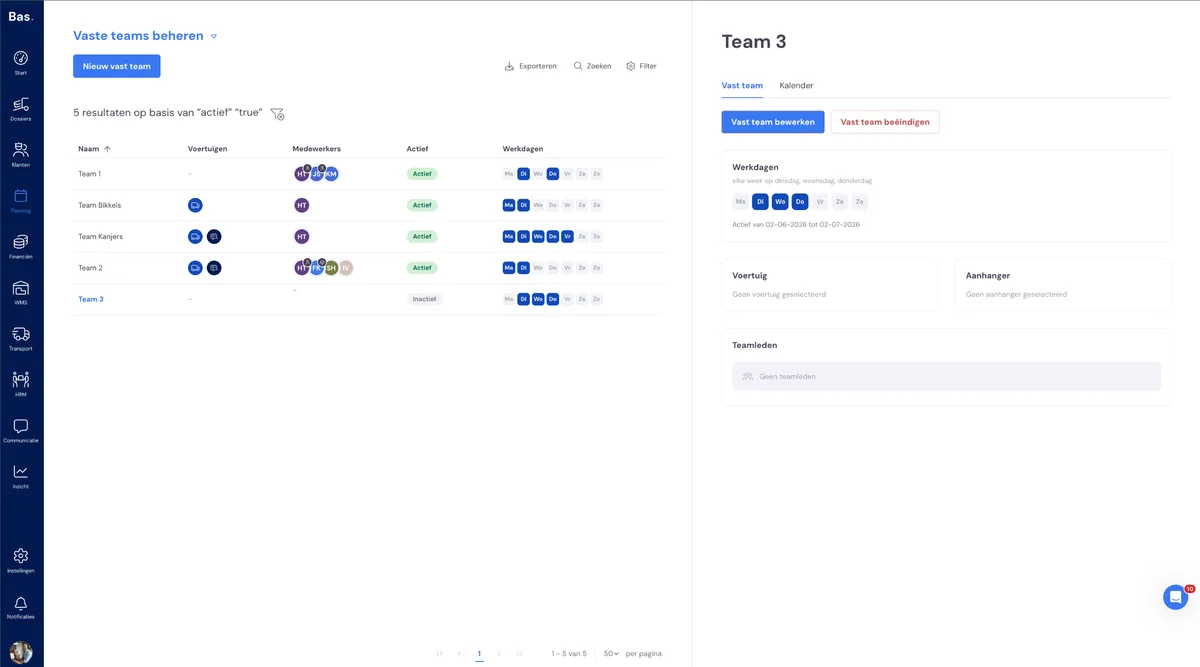
A fixed team is a team with the same employees and the same vehicle every time, which automatically returns on fixed working days. You put the team together once, and after that it is there again every working day without you having to do anything.
The difference with a separate day team: you put a separate day team together again each day. A fixed team is set up once and automatically returns on the days you have chosen. That saves you work every day and ensures that the same people keep working together with the same van.
The "Fixed teams" page
On the Fixed teams page, you can see all your fixed teams at a glance. For each fixed team, you can see:
The name of the team
The vehicles that belong to the team
The employees in the team
Whether the team is active
On which working days the team works
Creating a fixed team
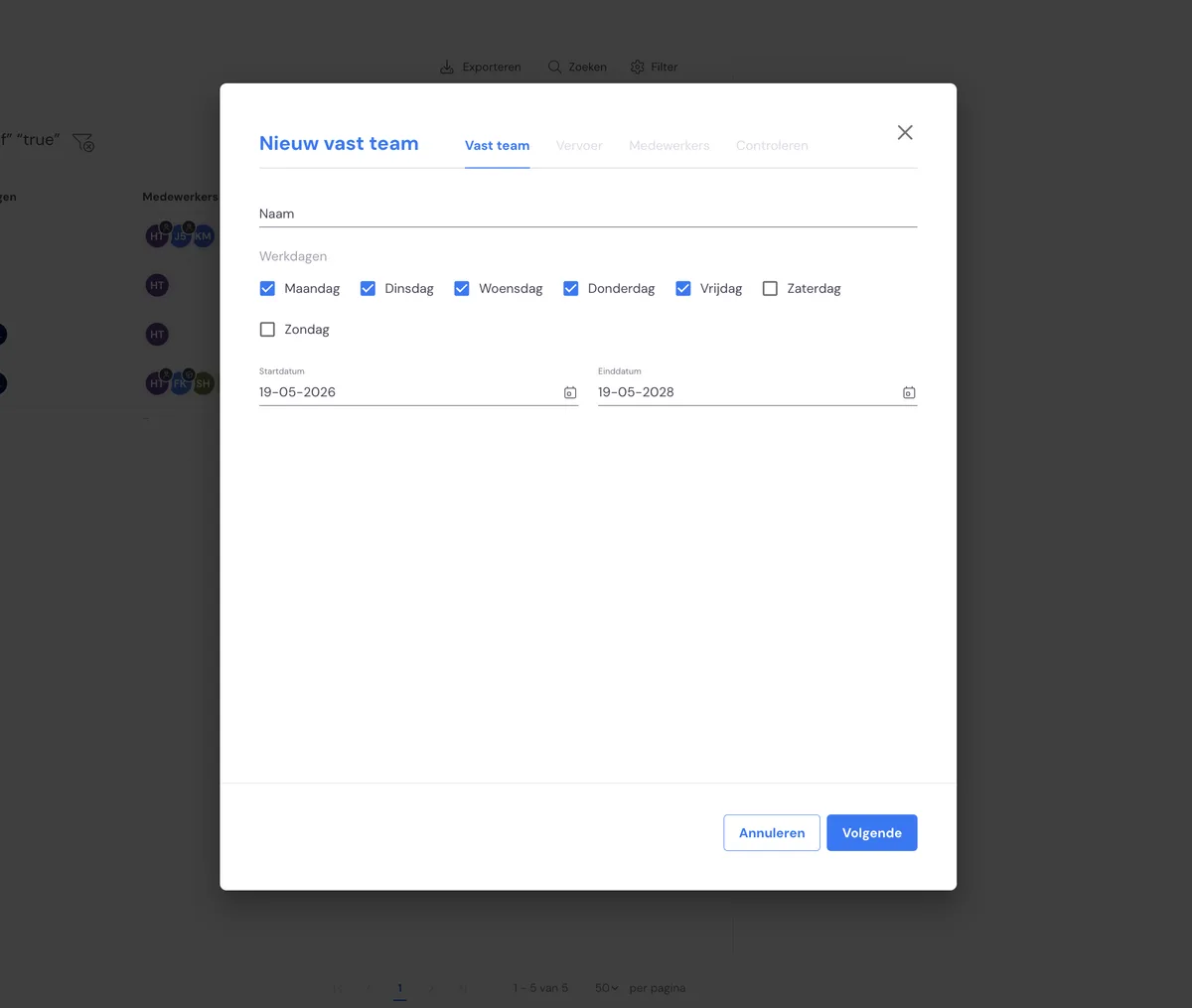
You create a fixed team with a wizard that guides you through the settings step by step. The steps come in this order:
Employees — choose which employees are permanently in the team.
Transport — choose the vehicle or vehicles that belong to the team.
Recurrence — choose on which days the team returns. You enter a start date and, if you wish, an end date.
Review — check everything once more and confirm to create the fixed team.
The "Calendar" tab
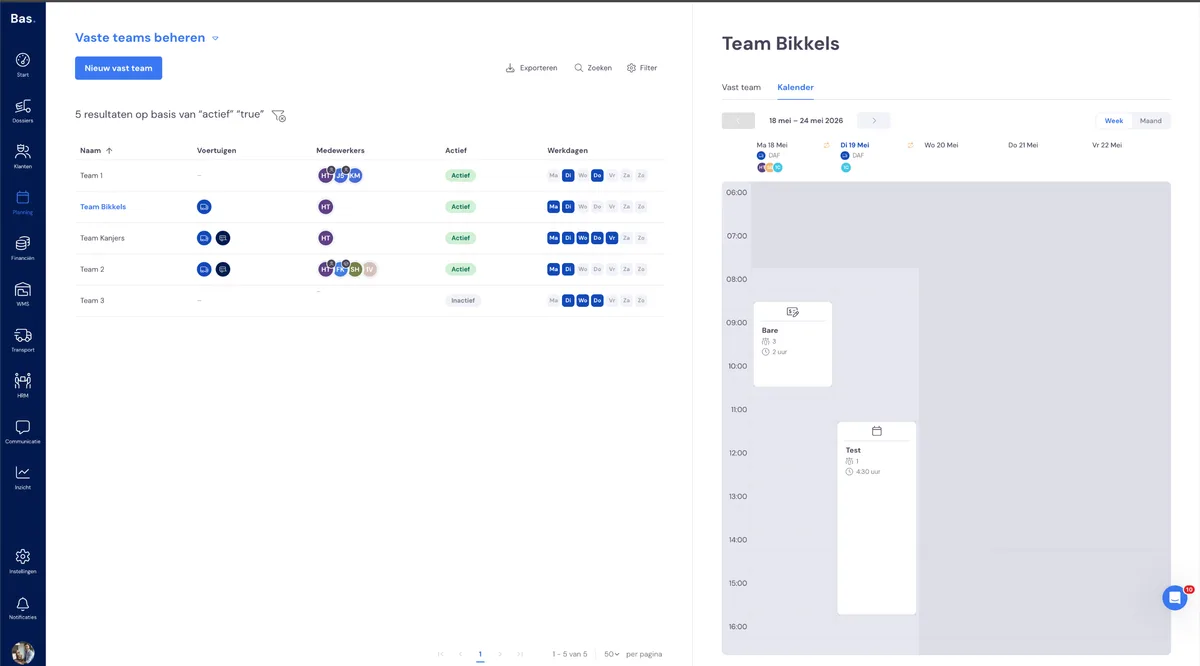
Every fixed team has a Calendar tab. There you can see in a single overview spanning several months on which days the team works. This lets you check at a glance whether the team returns on the right days.
Changing a fixed team
You can change a fixed team, for example different employees, a different vehicle or different working days. When making the change, you choose the date from which the change takes effect. The days before that date remain as they were, so you can look back at what was planned earlier.
Ending a fixed team
Do you want a fixed team to stop? Then set an end date. The team will then show Active from … to …. After the end date, the team no longer returns on the planning board, but the earlier days remain visible.
On the planning board
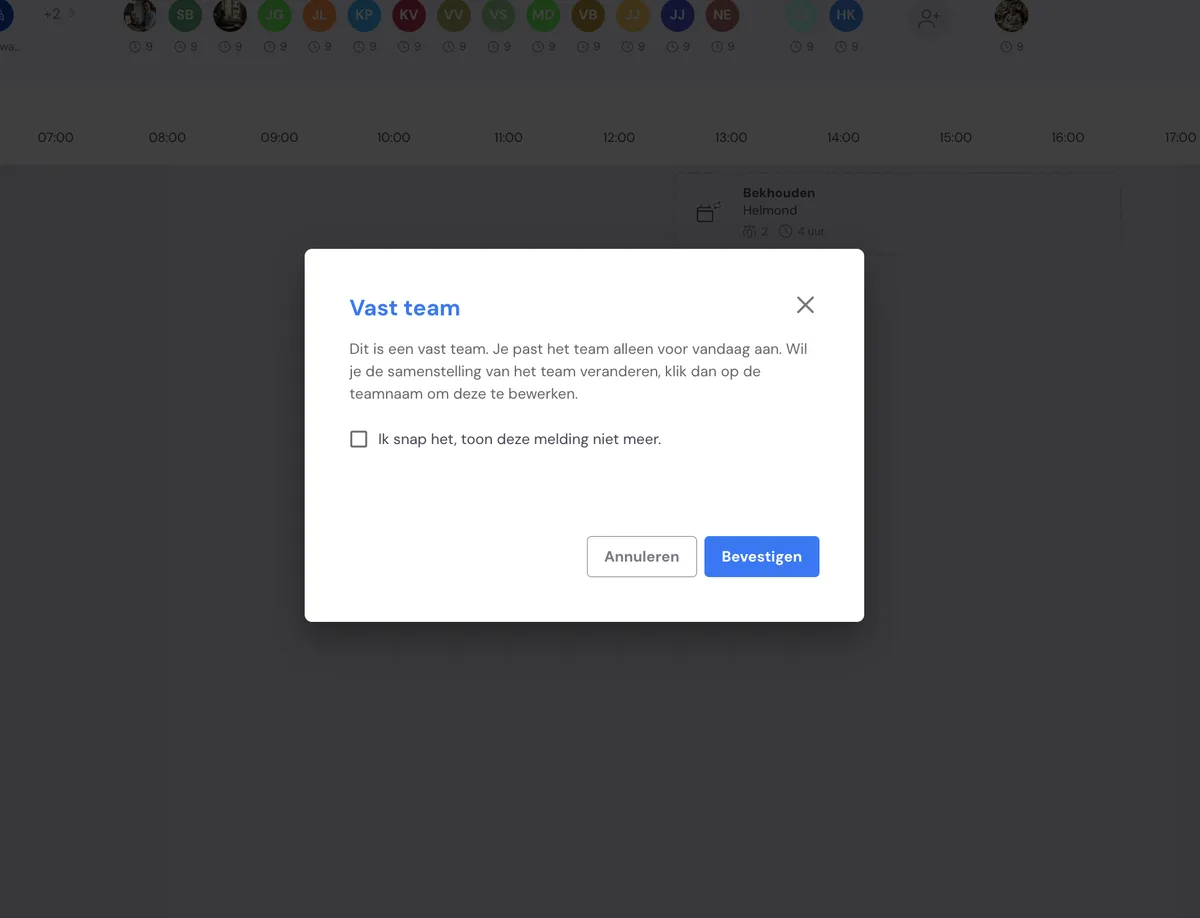
When you come across a fixed team on the planning board, you will see the message: "This is a fixed team. You are only changing the team for today." So whatever you change on the board applies only to that one day — for example, if someone is off sick for a day or takes a different van.
If you want to change something permanently, use the "Manage fixed team" link next to the message. This lets you change the fixed team itself, so the change also applies on the following working days.
Read more
More about the new planning: